New to FoodPair? Take a Quick Tour

What is FoodPair?

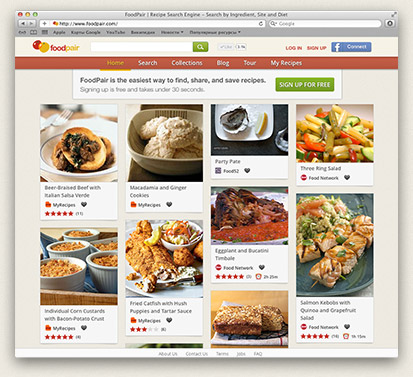
FoodPair makes it easy to find recipes. We're a little different from most recipe sites. Here's how you can get the most out of FoodPair:

Start Your Search

On the homepage, enter an ingredient or course (e.g. appetizers) into the search box:

Start Your Search

View Results

FoodPair shows you recipes matching the terms you entered:

View Results

Refine Your Search

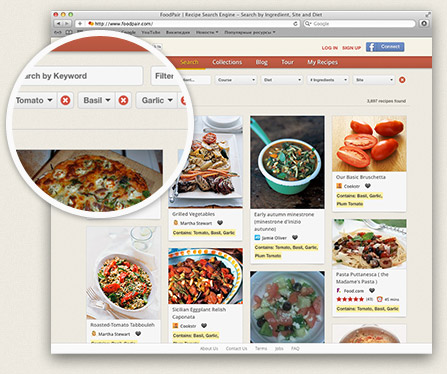
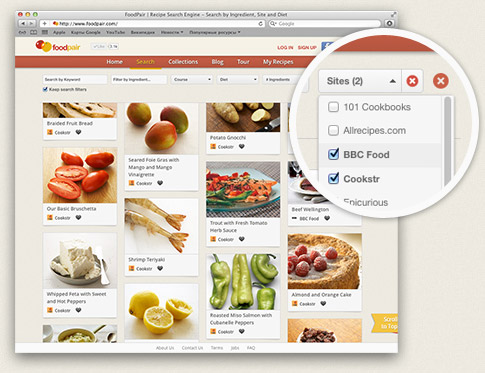
Refine your search results by applying one or more filters:

Add/Remove Ingredient

Add an ingredient to your search by clicking the ingredient buttons with the '+' symbol:

Add an Ingredient

Or, add a specific ingredient by typing its name into the 'Add an Ingredient' box.

Add a Specific Ingredient

Remove an ingredient from your search by clicking the ingredient buttons with the 'x' symbol in the 'Ingredients in this search' box:

Remove an Ingredient

Number of Ingredients

Use the Number of Ingredients filter if you'd like to find recipes containing a certain number of ingredients:

Number of Ingredients Filter

Filter by Course

If you'd like view recipes that fall under a specific course (e.g. Breakfast and Brunch), click on one or more course checkboxes.

Filter By Course

Search Recipe Name

The 'Search Recipe Name' box lets you filter by keyword. For example, enter 'salsa' to find recipes containing the term 'salsa' in the title:

Search by Recipe Name

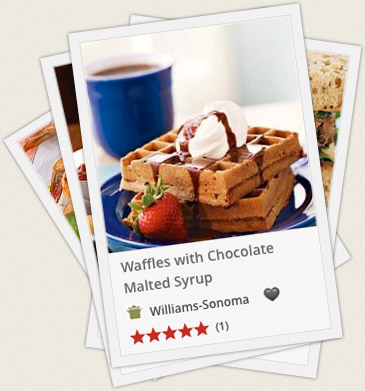
View or Save Recipe

Once you've found a recipe you like, click on the title to view the recipe. Or save the recipe by clicking the 'Add to Favorites' link.